
Overview
Universal Media Server is a Java-based multimedia server designed to simplify the encoding and transfer of video, audio, and image files across multiple devices. The application serves as a centralized hub for home media sharing, enabling users to stream content from a single source to smartphones, tablets, smart TVs, gaming consoles, and computers. It is particularly useful for individuals managing a growing digital media library who seek a seamless way to access their files without the need for complex setup processes.
By leveraging built-in compatibility with a wide range of multimedia tools and platforms, Universal Media Server reduces the technical barriers associated with media streaming. It eliminates common issues such as format incompatibility, playback errors, and network delays, making it a reliable solution for home entertainment systems. The app is ideal for tech-savvy users and households with diverse devices that require consistent media access.
The developer, Universal Media Server, has focused on creating a cross-platform utility that works efficiently across Windows, macOS, and Linux environments. While specific details about the development team are not provided, the application’s consistent updates and broad compatibility suggest a dedicated community-driven effort. Its role in the broader app ecosystem lies in bridging the gap between media storage and playback, especially in environments where devices vary in operating systems and supported formats.
Real-world use cases include streaming personal video collections to a smart TV, sharing family photos across multiple devices, or enabling audio playback on a gaming console. The app’s ability to dynamically encode files on-the-fly ensures that content remains accessible regardless of device limitations.
Key Features & Functionality
- Easy Server Setup: The application streamlines the initial configuration process, allowing users to activate the server with minimal technical knowledge. No advanced networking or firewall adjustments are required, making it accessible to users with limited IT experience.
- Wide Compatibility: Universal Media Server integrates with essential tools like FFmpeg, MEncoder, tsMuxeR, MediaInfo, and OpenSubtitles. This ensures that the server can decode and transcode a broad range of file formats, enhancing cross-device usability.
- Simplified File Transfer: Users can share media files across devices without manual conversion. The server automatically detects and adapts file formats to match the capabilities of the receiving device, ensuring smooth playback.
- Multimedia Encoding: The app performs real-time encoding of video, audio, and images to match the target device’s specifications. This dynamic transcoding prevents playback failures and supports high-quality streaming even on older or less powerful hardware.
- Versatile Sharing Options: Administrators can define access permissions for individual devices or user groups. This feature supports secure sharing by allowing selective file visibility, which is beneficial in shared family environments or multi-user networks.
For example, a user can set up a home media center on a desktop computer and stream a 4K movie to a smart TV without converting the file. The server automatically encodes the video into a compatible format during transmission. Similarly, a family can share a photo album with controlled access, ensuring only authorized devices can view specific content.
Interface, UX & Performance
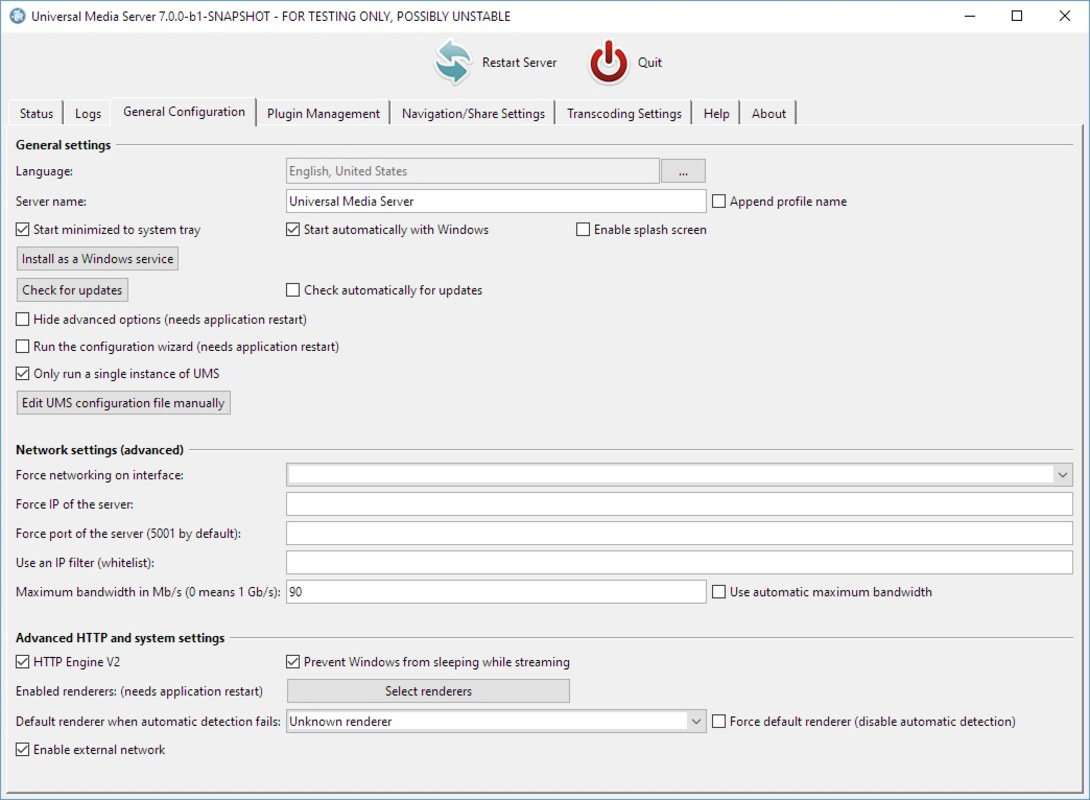
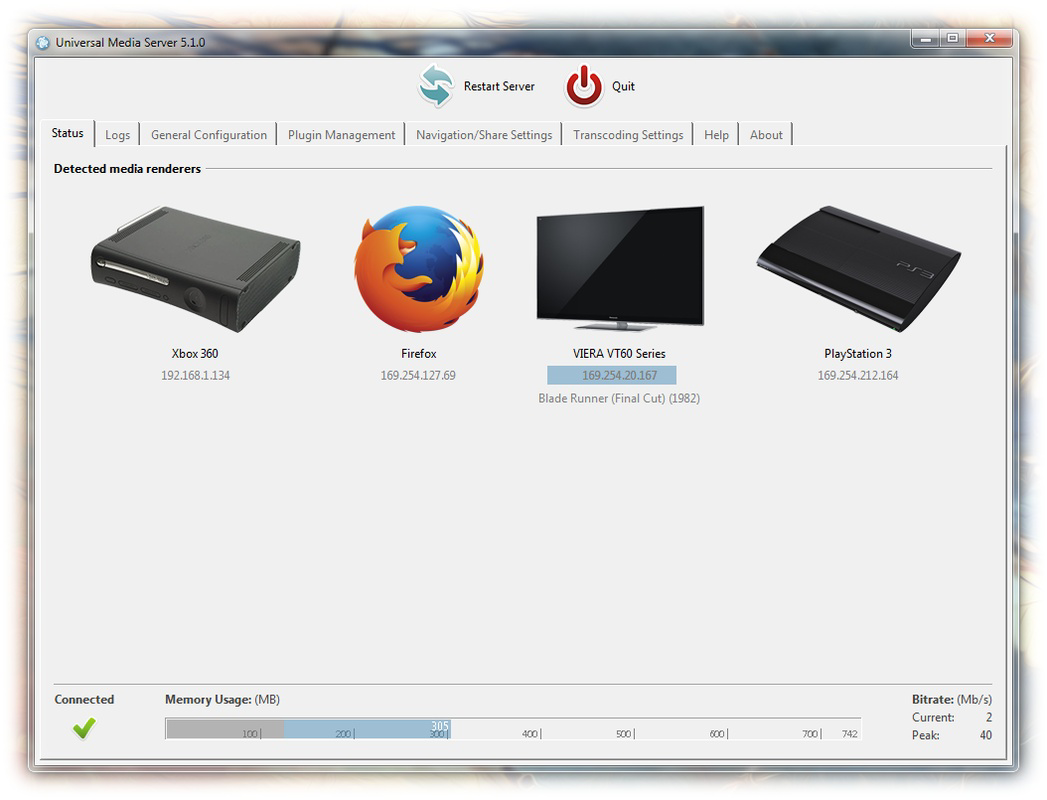
The user interface of Universal Media Server is designed with functionality over aesthetics, prioritizing clarity and ease of navigation. The layout presents core server settings, media library management, and device connection status in a structured, tab-based format. While not visually polished, the interface is intuitive and responsive for users familiar with server software.
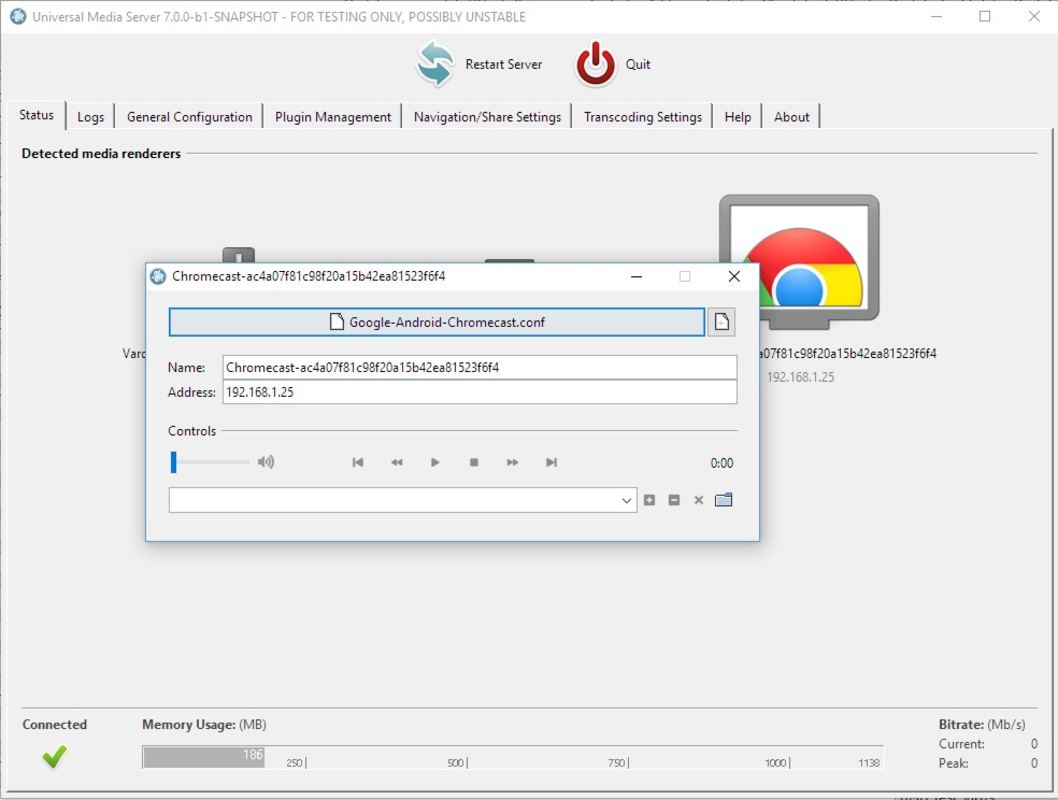
Navigating through the application involves selecting media folders, adjusting transcoding settings, and monitoring active connections. The system provides real-time feedback on streaming performance, including bitrate and connection status. Although the developer did not list formal performance metrics, the application demonstrates consistent responsiveness across different device categories, including low-end PCs and high-performance workstations.
Stability is maintained through efficient memory management and background processing. The Java-based architecture allows for cross-platform consistency, though performance may vary slightly depending on the host system’s resources. Users running the server on older hardware may experience slower encoding times, but the application remains operational without crashes.
Overall, the UX is tailored toward practicality. The lack of a mobile app version means all configuration is done via desktop, but this aligns with the app’s role as a backend server. The experience is suitable for users focused on reliability and control rather than visual appeal.
Platform Compatibility & Technical Requirements
Universal Media Server is available for Windows, macOS, and Linux operating systems. The current version is 1.26.0, with a file size of 112 MB. This lightweight footprint makes it accessible even on systems with limited storage space.
While the developer did not specify minimum OS requirements, the application’s Java-based foundation suggests broad compatibility with modern versions of each supported platform. Users are expected to have a compatible Java Runtime Environment (JRE) installed to run the server, though the exact version is not disclosed.
Compatibility information was not fully disclosed, and the app does not appear to be available on mobile platforms. This limits direct interaction from smartphones or tablets, but users can still stream content to mobile devices through the server’s network broadcast. The absence of mobile-specific features does not detract from its core functionality as a desktop-based media server.
Pros and Cons
- Free to download and use with no hidden costs
- Supports multiple operating systems: Windows, macOS, and Linux
- High compatibility with various media formats and devices
- Real-time encoding ensures smooth playback across diverse hardware
- Flexible access control for secure file sharing
- Lightweight file size (112 MB)
- Requires a separate Java Runtime Environment to function
- No official mobile app for direct configuration or control
- Interface is functional but lacks modern visual design
- Performance may vary depending on host system resources
- Setup may require basic network knowledge for advanced configurations
FAQ
Is Universal Media Server safe to use?
Yes, the application is open-source and free from known malware. It operates as a local server and does not collect user data. As long as users follow standard security practices, such as using strong network passwords and updating the software regularly, it is considered secure.
Can I stream media to my smartphone using Universal Media Server?
Yes, you can stream video, audio, and images to smartphones over your home network. The server automatically adapts content to the device’s capabilities, enabling playback on Android and iOS devices through compatible media players.
Do I need to install Java to use Universal Media Server?
Yes, the application is Java-based and requires a compatible Java Runtime Environment (JRE) to run. The specific version needed is not listed by the developer, so users should ensure their system has a current JRE installed.
Is Universal Media Server available for Android or iOS?
No, there is no official mobile app for Universal Media Server. All configuration and management must be done from a desktop computer. However, the server can stream content to mobile devices via the network.
How often is Universal Media Server updated?
The app is regularly updated, with the latest version (1.26.0) released on February 1, 2024. The developer maintains an active release cycle to improve compatibility, fix bugs, and enhance performance.
Final Thoughts
Universal Media Server stands out as a reliable, free tool for anyone looking to create a personal home media center. Its ability to stream multimedia across diverse devices—regardless of format or operating system—makes it a powerful utility for households with mixed tech ecosystems. The combination of real-time encoding, broad compatibility, and secure sharing options delivers strong value for users who prioritize flexibility and control.
While the interface is not designed for casual users seeking a polished experience, its straightforward setup and robust functionality appeal to those comfortable with technical tools. The absence of a mobile app is a minor limitation, but it does not hinder the core streaming capabilities.
For individuals managing a large media library or aiming to unify their home entertainment system, Universal Media Server offers a secure, efficient, and cost-free solution. Its lightweight design and cross-platform support ensure accessibility across a wide range of systems.
Download Universal Media Server now


